Property Management Overview
The Property Management module allows you to manage all information related to your hotel properties from a single place. Whether you operate a single hotel or multiple properties ,You can easily switch between properties without creating separate accounts, this module helps you maintain accurate property details, operational settings, legal information, amenities, images, and policies.
Edit Property Information
The Edit button allows you to update your property's information whenever required. Changes made here are reflected throughout the PMS, ensuring that all operational modules use the latest property details.
What You Can Manage
Basic Property Information
- Property ID (generate by default )
- Property Name
- Contact Person
- Contact Email
- Contact Number
- Languages Supported
- Total Floors (ground floor added by default)
- Total Property Area
This information identifies your property throughout the PMS and is used across bookings, reports, and operational modules.
Operational Details
Configure the property's daily operating schedule and regional settings.
- Check-In Time
- Check-Out Time
- Time Zone ( Asia/Kolkata is by Default)

Property Address
This fields are fill automatically when you select location by map or by Find my location and after that you can edit location if something is missing or not accurate.
- Full Address
- Country
- State
- City
- Postal/Pin Code
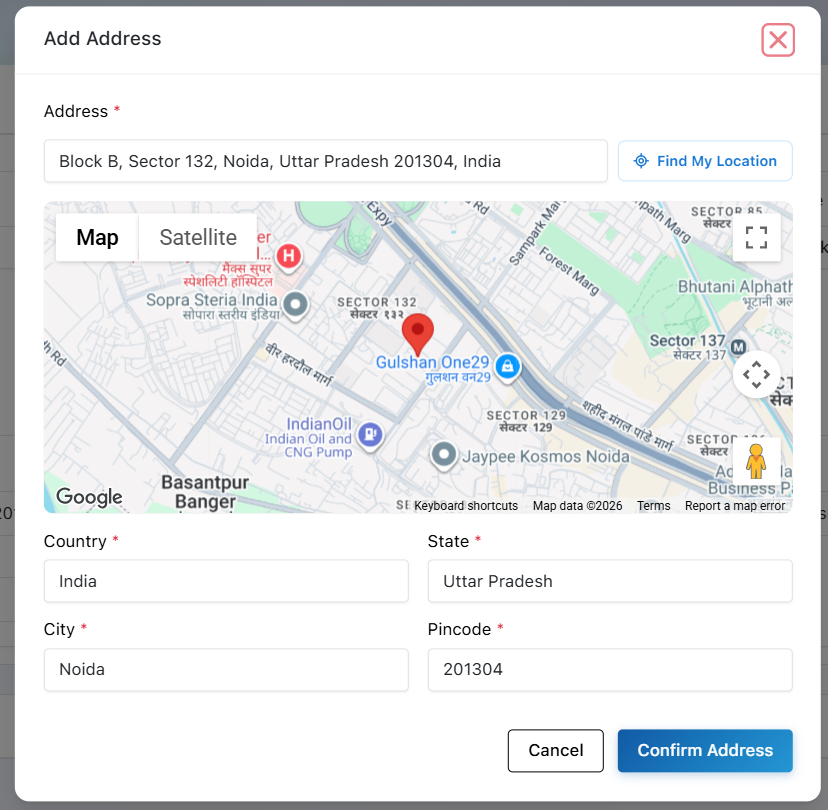
Accurate location details help ensure correct property identification and improve guest communication.
Hotel Images
Create a professional visual identity for your property by uploading hotel images.
- Upload multiple property images (upto 100 images)
- Showcase rooms and facilities
- Display exterior and interior photographs
- View the complete gallery anytime
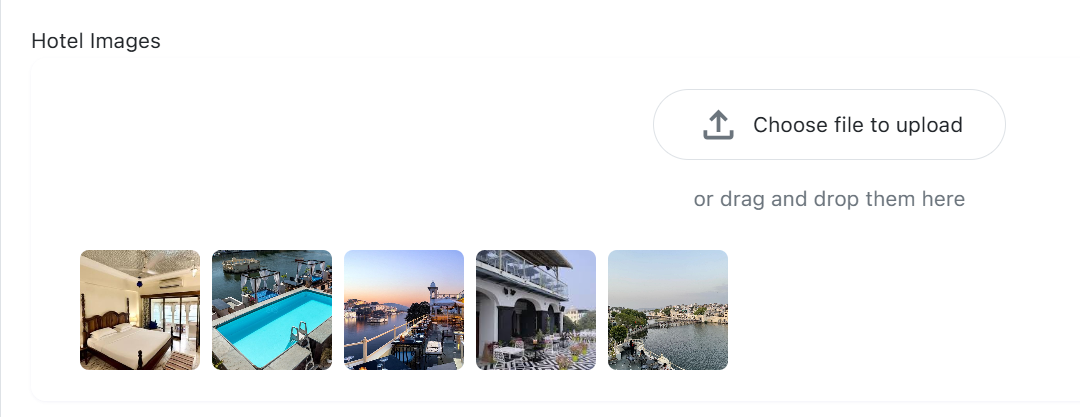
These images can also be used across guest-facing platforms and booking channels.
Property Policies
Maintain all important policies that guests should know before booking or checking in.
Examples include:
Check-In Policy, Check-Out Policy, Cancellation Policy, Identification Requirements, Guest Guidelines etc...
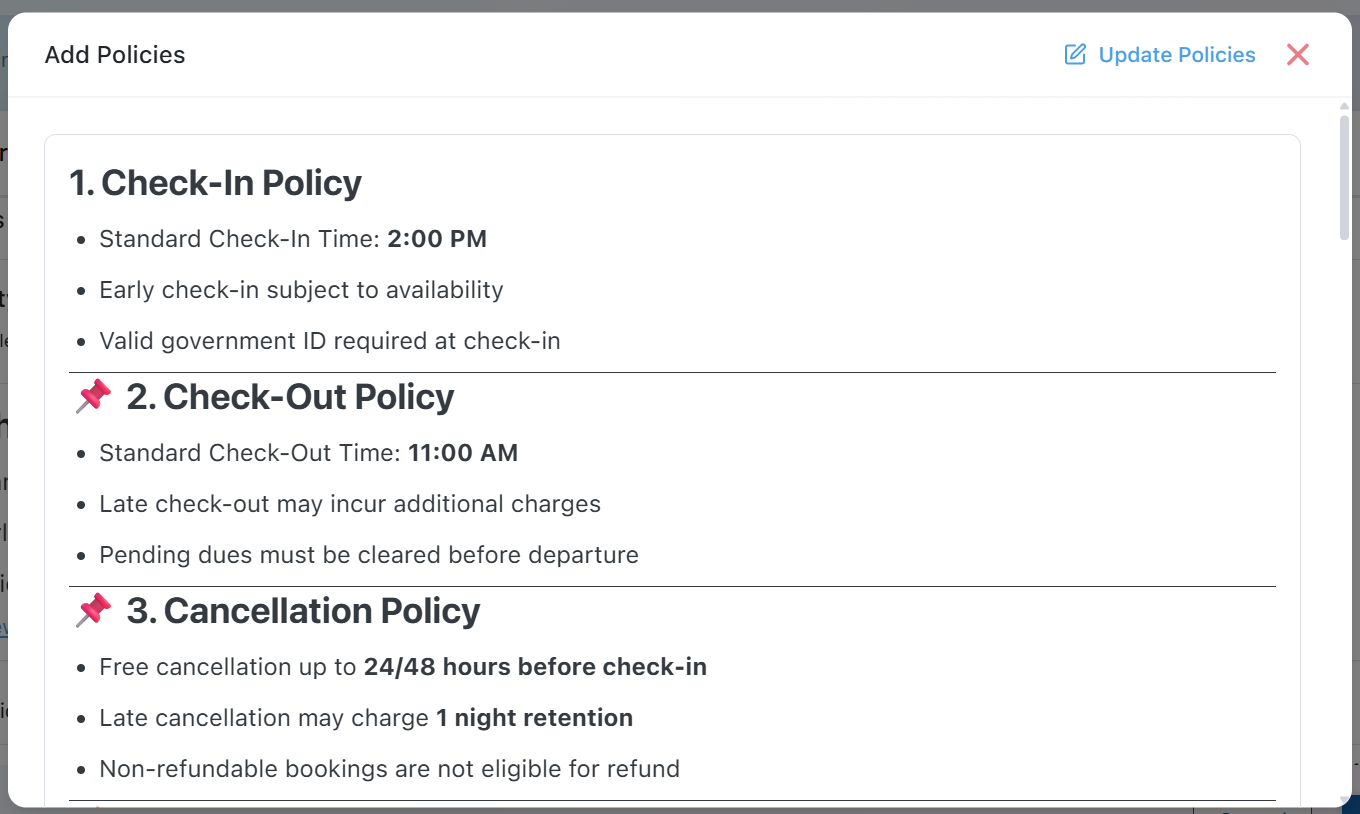
Keeping policies updated helps improve guest experience and reduces operational confusion.
Property Description
Provide a detailed description of your property, highlighting:
Accommodation experience, Services offered, Unique features, Location advantages, Facilities and hospitality etc...

This description can be used internally as well as on booking channels.
Property Amenities
Select the facilities available at your property, such as:
Wi-Fi, Television, Air Conditioning, Swimming Pool, Restaurant, Parking, Gym, Coffee Shop, Heater, Lounge & Other Amenities
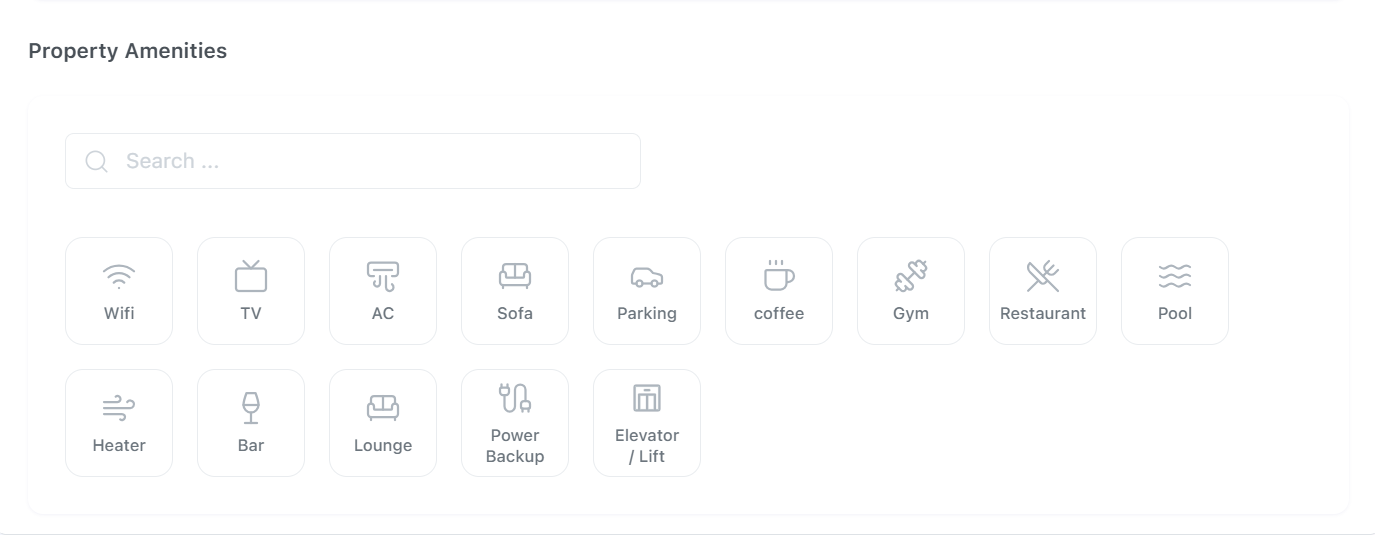
Amenities help differentiate your property and provide guests with a clear understanding of available services.